

If your website is getting traffic but losing visitors, generating impressions but no enquiries, or ranking somewhere on Google but not converting, the answer almost always lies in design and usability problems that are well documented, measurable, and fixable. Before we list every problem and solution, the data on what are the most common problems in website design is striking in 2026. 88% of users will not return after a single bad website experience, 88.5% of visitors cite slow load time as the primary reason they leave, and 61% exit websites due to unclear or difficult navigation, according to Tenet’s 2026 UX statistics research.
This guide covers exactly what are the most common problems in website design in 2026, with a verified data point for each problem and a practical, actionable fix your team can implement immediately.
Table of Contents
ToggleWhat Are the Most Common Problems in Website Design in 2026?
Based on verified research from UX Pin, Iron Paper, Web Gen World, Hostinger, and Loopex Digital, here are the 10 most damaging website design problems affecting businesses in 2026, each with a proven fix:
1. Slow Page Load Speed
The Problem
88.5% of users cite slow load time as the primary reason they leave a website, according to Email Vendor Selection’s 2026 web design statistics. A page that loads in 1 second achieves an average conversion rate of nearly 40%. Every additional second of delay reduces conversions by approximately 7%. Retailers lose an estimated $2.6 billion annually due to slow websites. One Delhi business reduced bounce rate from 75% to 35% after optimising load speed from 8 seconds to 2.1 seconds, according to Web Gen World’s 2026 case study.
The Fix
Compress all images to under 100KB using WebP format. Enable browser caching and GZIP compression. Remove unused CSS, JavaScript, and third-party plugins. Use a Content Delivery Network (CDN). Set a target of under 3 seconds for all pages on all devices. Test monthly using Google PageSpeed Insights and Core Web Vitals.
2. Non-Responsive Mobile Design
The Problem
73% of users abandon non-responsive websites, and 81% of websites still perform poorly on mobile UX, according to Loopex Digital’s 2026 web design statistics. Over 60% of all web traffic comes from mobile devices. When mobile pages take over 4 seconds to load, 63% of users leave. Responsive design is also a primary Google ranking factor, meaning non-responsive websites are actively penalised in search results.
The Fix
Design mobile-first: build for the smallest screen first and scale up. Use flexible grids, scalable images, and CSS media queries. Ensure buttons are at least 44×44 pixels for easy tapping. Test every page on multiple real devices. Use Google’s Mobile-Friendly Test tool monthly. Target a mobile page load under 3 seconds as a non-negotiable performance standard.
3. Poor Navigation and Information Architecture
The Problem
61% of users exit websites due to unclear or difficult navigation, according to Tenet’s 2026 UX statistics. Poor navigation is the number one conversion killer, with users giving up after just 3 failed attempts to find information. 50% of potential sales are lost due to navigation problems, according to Web Gen World’s 2026 research. Better navigation can reduce bounce rate by 10 to 15% and increase task success rates by up to 40%, according to Loopex Digital.
The Fix
Limit the main navigation menu to 5 to 7 items. Use clear, descriptive labels, not clever but ambiguous ones. Include a search bar for content-heavy websites. Add a breadcrumb trail on every page deeper than the home page. Test navigation with 5 real users: studies show testing with just 5 users uncovers 85% of usability issues. Ensure your most important pages are reachable in 3 clicks or fewer from the homepage.
4. No Clear Call to Action
The Problem
84.6% of web design professionals list crowded design as the most common website mistake, and 38.5% flag missing or unclear calls to action, according to Email Vendor Selection’s 2026 web design statistics. An estimated $260 billion in purchases are abandoned annually in the US and EU due to poor UX and checkout design. Only 1% of users feel a business consistently meets their expectations, yet a well-designed UI can increase conversion rates by up to 200%, according to Tenet’s 2026 data.
The Fix
Every page must have one primary call to action that is immediately visible without scrolling. Use high-contrast button colours that stand out from the background. Write action-oriented button text: ‘Get a Free Quote’ not ‘Submit’. Place CTAs both above the fold and at the end of every content section. Remove competing visual elements that draw attention away from the primary action. A/B test button colours, text, and placement every 90 days.
5. Weak SEO Structure
The Problem
If SEO fundamentals are absent from website design, organic visibility drops sharply regardless of content quality. Weak SEO structure includes missing title tags, duplicate meta descriptions, no header hierarchy (H1, H2, H3), missing image alt text, unoptimised URLs, slow Core Web Vitals, and pages with no internal linking structure. According to WebSun India’s website design research, weak SEO is one of the most commonly overlooked website design problems because it is invisible to the naked eye yet directly determines search ranking position.
The Fix
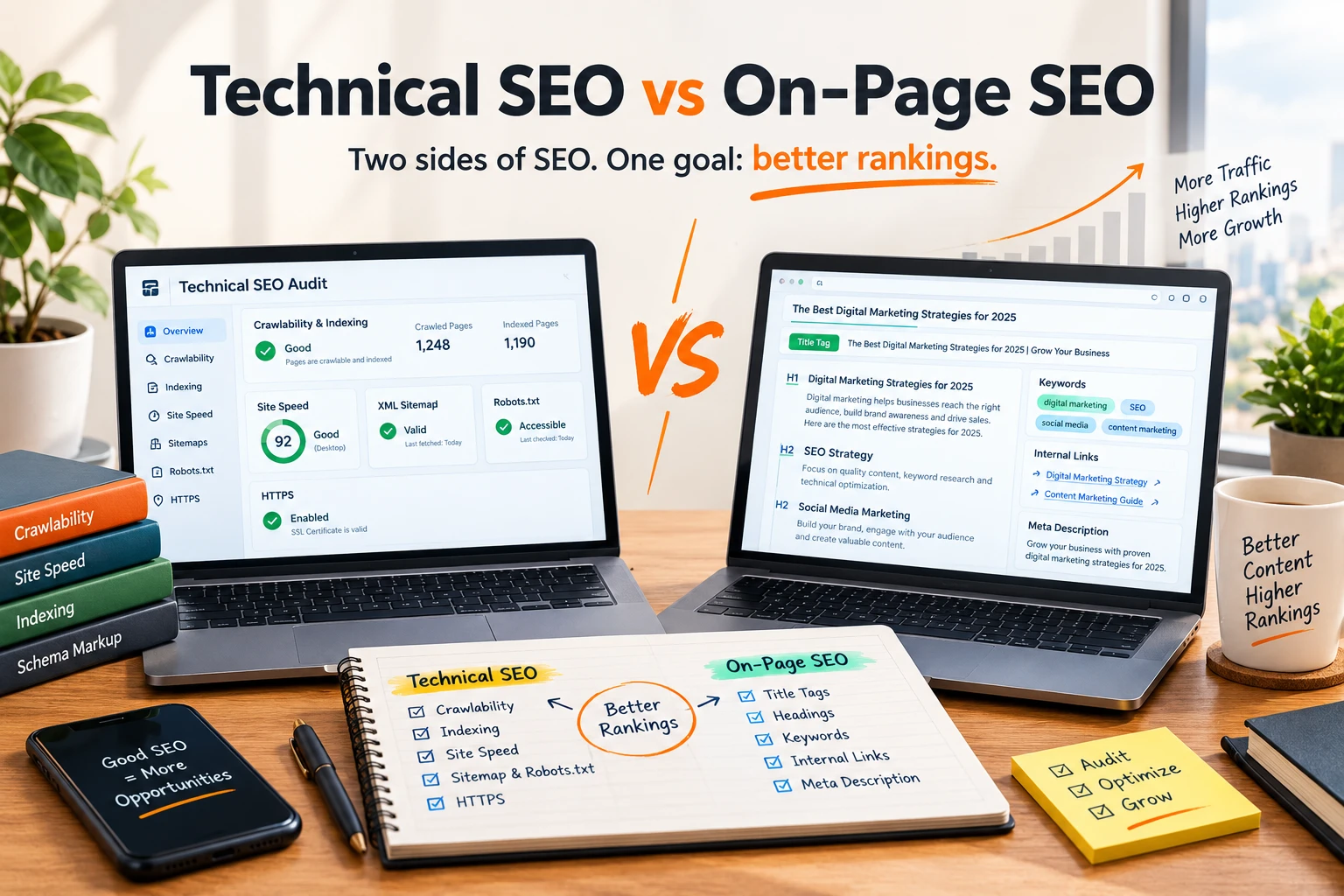
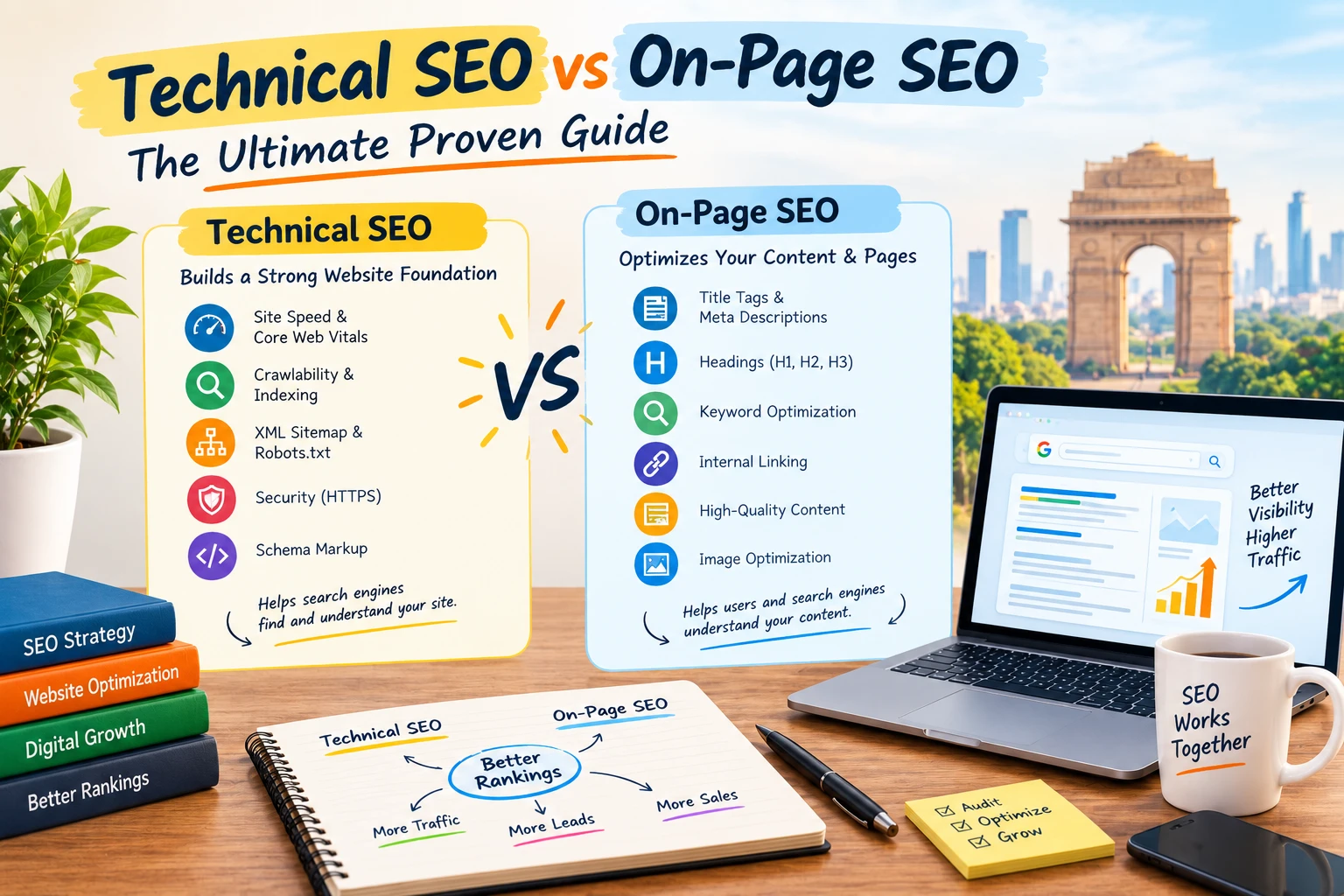
Each page needs a unique, keyword-rich title tag under 60 characters and a meta description under 160 characters. Use exactly one H1 per page. Structure all body content with H2 and H3 subheadings. Add descriptive alt text to every image. Use clean, readable URLs (no random strings of numbers). Set up Google Search Console and resolve all Coverage errors before launch. Run a technical SEO audit using Screaming Frog or Semrush before going live.
6. Poor Accessibility (WCAG Compliance Gaps)
The Problem
71% of users with accessibility needs abandon websites they find difficult to use, according to Web Gen World’s 2026 research. Web accessibility is no longer optional: it applies to users with permanent disabilities, temporary injuries, situational limitations (bright sunlight, one hand free), and anyone using older devices or slow connections. Accessibility failures include insufficient colour contrast, missing alt text for images, no keyboard navigation, and form fields without labels, according to UXPin’s web design research.
The Fix
Run your website through the WAVE Accessibility Evaluation Tool and resolve all errors before launch. Ensure a minimum colour contrast ratio of 4.5:1 for all body text. Add descriptive alt text to every image. Ensure full keyboard navigation with visible focus states. Use the HTML label tag for every form field. Test with a screen reader. Aim for WCAG 2.1 AA compliance as the minimum standard for any business website.
7. Cluttered or Inconsistent Visual Design
The Problem
Poor design and content drive 38% of web visitors away immediately, and web design influences 94% of users’ first impressions, according to Hostinger’s 2026 web design statistics. Cluttered design is the most common professional design mistake, cited by 84.6% of designers, according to Email Vendor Selection. Inconsistent fonts, colours, spacing, and UI patterns make a website look untrustworthy and increase the cognitive load of every interaction. Inconsistent UI is one of UXPin’s top-listed common web design problems.
The Problem
Create a design system before building: define your colour palette (maximum 3 primary colours), typography scale (2 fonts maximum), spacing system, and button styles. Apply them consistently across every page. Use generous white space to reduce visual noise and guide attention. Remove any decorative element that does not serve the user. Run a brand consistency audit: every page should look like it belongs to the same website.
8. Outdated Content and Broken Links
The Problem
Outdated design is the fourth most common reason visitors leave websites, cited by 38.5% of users in Email Vendor Selection’s 2026 research. Broken links increase bounce rates by 25% and signal poor maintenance to search engines, according to Web Gen World’s 2026 data. Websites with stale content, outdated pricing, archived news from 2019, and products that no longer exist signal unreliability and erode the trust that drives conversions. According to IronPaper’s website design research, neglected content maintenance is one of the most preventable website design failures.
The Fix
Audit all website content quarterly. Set a recurring calendar reminder. Use Screaming Frog or Ahrefs to crawl for broken links monthly and fix or redirect every 404 found. Update pricing, service descriptions, team pages, and contact details as soon as anything changes. Publish new blog content at minimum once per month to signal active maintenance to Google. Add a ‘Last Updated’ date to key service and product pages.
9. No Trust Signals or Social Proof
The Problem
88% of users will not return after a single bad website experience, and 32% stop engaging with a brand they loved after just one bad UX interaction, according to VWO’s 2026 web design statistics. Trust is the foundation of conversion. Websites without visible trust signals including client testimonials, case studies, certifications, media mentions, security badges, and genuine reviews consistently underperform compared to those with these elements, regardless of the quality of the product or service offered.
The Fix
Add verified client testimonials with full names and photographs to your homepage and service pages. Display case studies with specific measurable outcomes. Include logos of well-known clients or media mentions. Show security certifications (SSL, payment badges) on all pages where users submit data. Embed Google reviews directly on the website. Add a real telephone number and physical address to every page footer, since these signals consistently increase conversion rates for local service businesses.
10. Security Vulnerabilities and Missing SSL
The Problem
Security issues including missing SSL certificates, outdated CMS versions, unpatched plugins, and lack of two-factor authentication are among the most common website design problems identified in WebSun India’s research. Websites without HTTPS display browser security warnings that immediately destroy visitor trust. According to Loopex Digital’s 2026 data, security and privacy signals are now direct UX factors: users actively look for the padlock icon before submitting any personal or payment information.
The Fix
Install an SSL certificate on every website without exception (most hosting providers include this free). Update your CMS, themes, and all plugins at minimum monthly. Use a security plugin like Wordfence (WordPress) or Sucuri to monitor for malware and intrusion attempts. Implement two-factor authentication for all admin accounts. Display a clear privacy policy page linked from your website footer. Remove any third-party scripts or plugins that are no longer actively maintained.
Website Design Problems: Quick Self-Audit Checklist
Use this checklist to immediately identify which of the 10 most common website design problems your current site has:
| Problem | Check | Target Standard |
|---|---|---|
| Slow page speed | Google PageSpeed score | Above 90 on mobile and desktop |
| Non-responsive mobile design | Google Mobile-Friendly Test | Pass on all screen sizes |
| Poor navigation | User can find any page in 3 clicks | Under 7 main nav items |
| No clear CTA | 1 primary CTA visible above fold | High-contrast, action-oriented text |
| Weak SEO structure | 1 unique H1 per page | Title tag under 60 chars, alt text on all images |
| Accessibility gaps | WAVE Tool: 0 errors | WCAG 2.1 AA compliant |
| Cluttered design | Consistent font and colour system | Max 2 fonts, max 3 brand colours |
| Outdated content | No broken links, current pricing | Monthly content audit |
| No trust signals | Testimonials, reviews, certifications visible | 3+ reviews on homepage |
| Security issues | SSL installed, CMS updated | Padlock active, updates monthly |
Conclusion
Understanding what the most common website design problems are is the first step toward building a website that actually generates business results rather than just occupying a domain name. The 10 problems covered in this guide, from slow load speed and poor mobile experience to missing trust signals and security vulnerabilities, are all measurable, fixable, and directly tied to user behaviour, conversion rates, and Google search rankings. Every business website in 2026 has at least some of these issues. The ones that grow fastest are the ones that identify and fix them systematically.
Now you know what are the most common problems in website design. Start with the self-audit checklist above. Fix the highest-impact problems first: speed, mobile responsiveness, and navigation. Then systematically address SEO structure, trust signals, and accessibility. If you need expert support to diagnose and fix your specific website design problems, Dizispark’s team is ready to help.
How Dizispark Can Help
Dizispark certified web strategy team audits, redesigns, and rebuilds websites for Indian businesses, fixing every one of the 10 most common website design problems: speed optimization, mobile-first responsive design, clear navigation, conversion-focused CTAs, on-page SEO structure, WCAG accessibility compliance, consistent visual design, content freshness, trust signal placement, and SSL security hardening. Alongside your website, we also set up and optimize your Google My Business Profile to ensure your business ranks in local Google Maps search results and captures high-intent nearby customers every single day.
Frequently Asked Questions
What are the most common problems in website design?
The 10 most common problems in website design in 2026 are: slow page load speed (cited by 88.5% of users as the top reason they leave), non-responsive mobile design (73% of users abandon non-mobile-optimized sites), poor navigation (61% exit due to unclear navigation), no clear call to action (38.5% of sites lack effective CTAs), weak SEO structure (missing title tags, alt text, and heading hierarchy), poor accessibility (71% of users with accessibility needs abandon difficult sites), cluttered visual design (84.6% of designers cite crowded design as the top mistake), outdated content and broken links, missing trust signals and social proof, and security vulnerabilities including missing SSL certificates.
How does slow loading speed affect website design?
Slow loading speed is the most damaging website design problem because it directly causes visitor abandonment before your design is even seen. 88.5% of users cite slow load time as the primary reason they leave a website. A page loading in 1 second achieves a conversion rate of nearly 40%, while every additional second of delay reduces conversions by approximately 7%. For mobile users specifically, 53% will leave a page that takes more than 3 seconds to load. Retailers lose an estimated $2.6 billion annually due to slow websites. The fix involves image compression, browser caching, removing unused scripts, using a CDN, and targeting under 3 second load times on all devices.
Why is mobile responsiveness important in website design?
Mobile responsiveness is critical because over 60% of all global web traffic comes from mobile devices, and 73% of users abandon non-responsive websites immediately. Google uses mobile-first indexing, meaning it primarily crawls and ranks the mobile version of your website rather than the desktop version. Non-responsive websites are therefore both a user experience problem and a search ranking problem simultaneously. Responsive design adapts your website’s layout, content, and images to every screen size automatically. WCAG accessibility guidelines and Google’s Core Web Vitals both include mobile performance as key quality signals that directly affect search position.
What is poor UX in website design and how do you fix it?
Poor UX in website design refers to any aspect of a website that makes it difficult, frustrating, or confusing for visitors to achieve their goal. Common poor UX problems include unclear navigation, too many steps to complete tasks, inconsistent UI patterns, cluttered layouts, slow performance, broken links, unclear calls to action, and forms without proper labels. A seamless UX can boost conversion rates by up to 400% according to Forrester Research, and companies that prioritise UX see 1.5x faster revenue growth. The fix involves user testing with real visitors, simplifying user flows, removing unnecessary elements, and A/B testing key pages like the homepage, service pages, and contact page.
How do website design problems affect SEO?
Website design problems directly harm SEO rankings in multiple ways. Slow load speed negatively affects Google Core Web Vitals scores, which are a confirmed ranking factor. Non-responsive mobile design is penalised under Google’s mobile-first indexing. Missing or duplicate title tags prevent pages from ranking for target keywords. Missing image alt text means images are invisible to Google, reducing keyword relevance signals. Broken links signal poor maintenance to Google’s crawlers. Poor accessibility compliance now affects how Google evaluates page quality. A technically well-designed website provides the foundation that makes every other SEO investment (content, backlinks, local SEO) significantly more effective.
What is accessibility in website design and why does it matter?
Web accessibility in website design means building websites that can be used by people with disabilities including visual, auditory, motor, and cognitive impairments, as well as people using assistive technologies like screen readers. 71% of users with accessibility needs abandon websites they find difficult to use, according to Web Gen World’s 2026 research. Accessibility is guided by the Web Content Accessibility Guidelines (WCAG), with WCAG 2.1 AA compliance being the standard for business websites. Common accessibility problems include insufficient colour contrast, missing image alt text, no keyboard navigation, and form fields without labels. Accessible websites also rank better on Google because many accessibility best practices align directly with SEO best practices.
How often should I audit my website for design problems?
You should audit your website for design problems at minimum quarterly, with some checks done monthly. Monthly checks should cover: broken links (use Screaming Frog or Ahrefs), Google Search Console errors, Google PageSpeed Insights scores, and content updates for accuracy. Quarterly audits should cover: mobile responsiveness testing on new devices, accessibility evaluation using the WAVE Tool, Core Web Vitals report in Google Search Console, conversion rate tracking for key pages, and trust signal freshness (testimonials, reviews, case studies). An annual comprehensive redesign review should evaluate whether the overall structure, navigation, and design system still match your business goals and user expectations.
What are the most common website design mistakes businesses make?
The most common website design mistakes businesses make in 2026 are: crowded layouts with too much visual noise (cited by 84.6% of professionals), no clear call to action on key pages, hidden or unclear navigation that makes content hard to find, poor typography that is hard to read on mobile screens, insufficient white space that makes pages feel overwhelming, launching without testing on real mobile devices, neglecting SEO structure during the build, adding every possible feature instead of focusing on the primary user goal, not collecting or displaying social proof, and failing to set up Google Analytics and Search Console before launch. The root cause of most of these mistakes is building for the business rather than for the user.