
Google Ads for ecommerce website campaigns remain the single highest-intent paid channel available to online stores in 2026. Store Growers confirms that as much as 18 percent of all ecommerce revenue is a direct result of running ecommerce ads on Google’s platform.
Finch’s 2026 growth guide identifies the core commercial logic: when someone searches for a specific product, they are not looking to be entertained, they are ready to solve a problem and often ready to transact.
Optmyzr adds the competitive dimension for 2026: with placements now showing up in AI Overviews, the competition for search attention has become tougher, making structured campaign strategy more important than ever.
This guide covers every campaign type, budget requirement, and optimisation tactic needed to run profitable Google Ads for ecommerce website campaigns in 2026.
Table of Contents
ToggleBuilding the Foundation Before Running Google Ads for Ecommerce Website
Store Growers, with over 12 years of experience managing more than 5 million dollars in ad spend, identifies two prerequisites before launching any campaign. The first is sufficient budget. The recommended bare minimum is 10 dollars per day for a month, with an ideal minimum of 1,000 dollars per month. Competitive industries, long sales cycles, and low profit margins all require a higher starting budget to allow enough room for testing.
The second prerequisite is store readiness: product knowledge, unit economics that make sense, and infrastructure including email capture, cart abandonment flows, and repeat purchase programmed. Store Growers confirms these three factors are essential to get right before starting, because they can mean the difference between making or losing money even with identical campaigns and budgets.
Google Ads Campaign Types for Ecommerce Websites
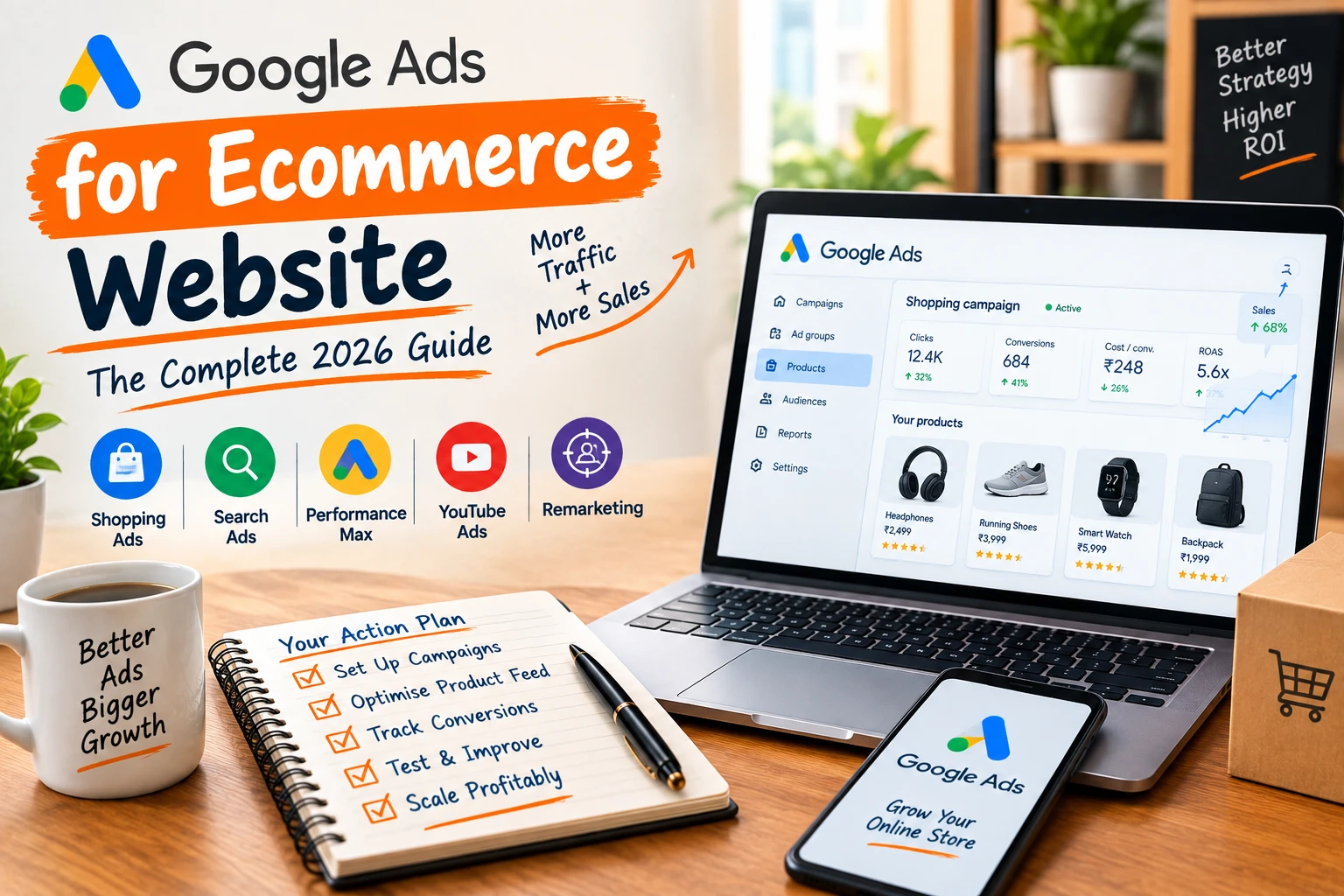
Optmyzr identifies six primary campaign types available in Google Ads, with Search, Shopping, and Performance Max being the three most relevant for google ads for ecommerce website strategies.
| Campaign Type | What It Does | Best Use for Ecommerce |
| Search Campaigns | Text ads on search results for specific keywords | High-intent users actively searching for products, but management complexity grows with catalogue size |
| Shopping Campaigns | Product listings with image, price, and title in Shopping tab | Drives store traffic and sales; requires consistent feed hygiene and data accuracy at scale |
| Performance Max | AI-driven ads across Search, Shopping, Display, YouTube, Gmail, Maps | Broad reach with automation; requires 30+ monthly conversions to learn effectively |
| Display Campaigns | Image or video ads across the Google Display Network | Builds brand awareness but is less intent-driven and harder to control at conversion level |
| Local Campaigns | Promotes business in Search and Google Maps | Best for businesses with physical locations; less relevant for online-only ecommerce |
| Demand Gen Campaigns | Image, video, and feed-based ads across YouTube, Discover, Gmail | Top-of-funnel awareness with lookalike audience targeting for ecommerce brands |
The Correct Campaign Order for Google Ads for Ecommerce Website Success
Store Growers, based on 12 years of running Google Ads for ecommerce stores, recommends a specific launch sequence rather than starting with any campaign type at random. The order is Standard Shopping Ads first, then Search Ads, followed by Performance Max, then Demand Gen, and finally Display Ads for retargeting only.
This sequence minimizes mistakes because Search Ads have existed for two decades and competitors have had years to master them, making early mistakes costly. Store Growers structures the guide around beginner, intermediate, and expert levels within each campaign type, recommending mastery of beginner tactics before advancing. This staged approach avoids getting distracted by advanced details that are not yet relevant to a new google ads for ecommerce website campaign.
Shopping Ads: The Backbone of Google Ads for Ecommerce Website Strategy
For most advertisers, Shopping Ads take the biggest share of total Google Ads spend, and Store Growers confirms this is justified because they bring in high-quality visitors that convert well. Shopping Ads require a product feed, which is a structured file containing every product’s title, price, image, and attributes, submitted through Google Merchant Center.
Finch identifies the product title as the new keyword in Shopping campaigns: Google matches search queries to titles, not manually selected keywords.
A weak title like ‘Blue Nike Shoe’ underperforms significantly against an optimized title like ‘Nike Air Max 90 Men’s Running Shoe Blue White Size 10 Cushioned Sole’ that includes brand, product type, and key attributes. Optimizer confirms that consistent feed hygiene and repeatable processes are essential when managing SKUs, inventory, and product data at scale for any ecommerce catalogue.
Campaign Structure Best Practices for Google Ads for Ecommerce Website
Finch’s segmentation framework identifies specific structural rules that separate scalable google ads for ecommerce website accounts from chaotic ones that hide true product performance.
| Structure Rule | Why It Matters |
| Brand vs Non-Brand | Separate branded keyword campaigns from generic product searches. Brand traffic has naturally high ROAS and skews blended data if mixed with cold traffic. |
| Product Categories | Structure campaigns to mirror website navigation. Keep distinct categories in separate campaigns to control budget by profitability. |
| Bestsellers vs Zombies | Top 20% of products often generate 80% of revenue. Give bestsellers a dedicated campaign with aggressive budget; move low-impression products to a separate catch-all campaign. |
| Custom Labels | Tag products by margin, seasonality, or stock status in the feed. This enables bidding aggressively on high-margin items and conservatively on low-margin ones. |
| Campaign Priority Setting | Use campaign priority to bid differently for branded versus generic search queries within Shopping campaigns for the same products. |
Performance Max for Ecommerce: What to Know in 2026
Performance Max campaigns use machine learning to show ads across Search, Shopping, Display, YouTube, Gmail, and Maps from a single campaign structure.
Finch identifies the core 2026 approach: fighting PMax’s automation is a losing battle, and the correct strategy is to guide the automation rather than micromanage it. PMax relies on Asset Groups, which are collections of images, videos, headlines, and descriptions that Google mixes and matches automatically.
Store Growers recommends providing only the product feed without extra creative assets initially, which keeps PMax nearly 100 percent focused on Shopping Ads rather than spreading across all placements. Finch adds that campaigns need at least 30 conversions over 30 days to allow the automation to learn effectively; accounts below this threshold are better served by Standard Shopping.
Audience signals, not direct targeting, guide PMax: uploading customer lists, email subscribers, and past purchaser data tells Google to find more people who look like existing customers.
Bidding Strategies That Drive Profitability for Google Ads for Ecommerce Website
Finch confirms that Manual CPC is largely behind us for standard ecommerce campaigns, with Smart Bidding now the default approach. Maximize Conversion Value is recommended when launching a new campaign, telling Google to find as much revenue as possible within the set budget while the algorithm learns.
Once 30 to 50 conversions accumulate, Finch recommends switching to Target ROAS, which sets a profitability floor such as requiring a 400 percent return before spending. Store Growers offers a more conservative starting point for beginners: use Manual CPC initially, and only test automated bidding strategies like Target CPA or Target ROAS once conversion data starts coming in.
Optmyzr adds that Standard Shopping campaigns support Target ROAS, Maximize Clicks, or Manual CPC, and the right choice depends on how much conversion data and control is needed. Finch warns against setting Target ROAS too high, which flatlines impressions because Google cannot find cheap enough auctions, or too low, which burns budget without profitability.
Why a Full-Funnel Approach Is Necessary for Ecommerce Growth
Finch identifies a common and costly mistake: focusing 100 percent of the budget on bottom-of-funnel Shopping ads eventually exhausts the pool of people currently ready to buy. Awareness campaigns through YouTube and Display, run via PMax or Demand Gen, introduce the brand to people interested in the niche even if they are not ready to purchase today.
Consideration-stage remarketing shows users the exact product they viewed but did not buy, serving as a gentle reminder that nudges them back to complete the purchase. Conversion-stage campaigns are Branded Search and Shopping, capturing users who have already decided to buy and are looking for the right link to click. Finch recommends allocating 10 to 15 percent of budget to awareness and remarketing, creating a sustainable ecosystem where new customers continuously feed into high-converting bottom-funnel campaigns.
Remarketing Strategy for Google Ads for Ecommerce Website in 2026
Optmyzr confirms that remarketing in 2026 is less about following users around and more about using first-party data intentionally as third-party cookies continue disappearing.
| Tactic | Application |
| Segment by Buying Intent | Someone who viewed the return policy has different intent than someone who added to cart. Build separate lists with customised messaging for each. |
| Rebuild Trust with High-Expectation Shoppers | With AI-generated comparisons everywhere, lead remarketing creative with delivery confidence, unique perks, and clear value propositions. |
| Use Time-Based Windows | First 24 hours after cart abandonment needs urgency messaging. Lapsed buyers over 3 months need reintroduction to what is new or trending. |
| Protect Budget with Exclusions | Always exclude recent purchasers and high-return customers from prospecting campaigns to avoid wasting impressions on unlikely converters. |
| Use Customer Match Deliberately | Upload segmented customer lists (all customers, high-value, repeat, lapsed) as audience signals in PMax and targeting in Demand Gen. |
5 Best Practices for Successful Google Ads for Ecommerce Website Campaigns
Optmyzr’s curated best practices, drawn from expert PPC practitioners, apply to every stage of managing google ads for ecommerce website campaigns.
01. Showcase Best Products: Put the spotlight on top-selling products with catchy titles, descriptions, and eye-catching visuals. Allocate a meaningful share of budget to these proven performers rather than spreading spend evenly across the catalogue.
02. Set Smart Bids and Budgets: Base bidding strategy on actual profit margins and conversion rates. Smart bidding can be transformative, but requires ongoing monitoring to ensure it aligns with specific business goals.
03. Keep Out Irrelevant Clicks: Use negative keywords to filter searches that do not match what is being sold. Review search term reports regularly to catch new irrelevant queries before they waste budget.
04. Create an Optimisation Schedule: Track campaign progress and make data-driven decisions on a consistent schedule rather than reactively. This is especially important when managing accounts at scale.
05. Track Performance to Optimise: Set up accurate conversion tracking as the foundation for every optimisation decision. Without reliable conversion data, bidding and budget decisions are made blind.
Product Feed Optimisation Checklist for Ecommerce Shopping Ads
Store Growers identifies three high-impact optimisations that directly affect how well products match relevant search queries in google ads for ecommerce website Shopping campaigns.
| Feed Element | Optimisation Action |
| Product Titles | Include brand, product type, and key attributes like colour and size, with the most important keywords placed first before any character cut-off |
| Product Identifiers | Use correct GTIN and MPN numbers so Google has more information about which search queries the product should match |
| Product Images | Differentiate images from competitors selling the same products through flipped angles, custom photography, or unique staging |
| Merchant Center Errors | Fix all red-flagged errors and warnings before expecting Shopping Ads to show consistently in search results |
Conclusion
Google Ads for ecommerce website success in April 2026 depends on layering the right campaign types in the right order, backed by clean product feed data and disciplined budget management. Store Growers confirms the proven sequence: Standard Shopping first, then Search, then Performance Max once conversion volume supports it, then Demand Gen, and Display only for retargeting.
Finch adds the structural discipline that separates scalable accounts from chaotic ones: segment brand from non-brand, structure by product category, and identify bestsellers versus zombie products. Optimizer confirms that remarketing in 2026 must lean on first-party data and intentional segmentation as third-party cookies continue to disappear.
Start with a solid budget foundation, fix the product feed, launch Shopping Ads first, and build up through the campaign order systematically rather than trying to master every campaign type at once.
How Dizispark Can Help
Dizispark is a Delhi-based Google Ads and ecommerce performance marketing agency that manages complete google ads for ecommerce website campaigns for online stores across India, covering Google Merchant Center setup, product feed optimization, Shopping and Search campaign structure, Performance Max asset group configuration, Smart Bidding management, remarketing audience building, and a fully optimized Google My Business Profile that strengthens local search visibility alongside every paid campaign we manage.
We follow a proven campaign sequence starting with Shopping Ads foundation, layering Search and Performance Max as conversion data grows, and building full-funnel remarketing that captures demand generated by every prospecting campaign. Reach out to Dizispark today and start running Google Ads for your ecommerce website the way that actually scales profitably.
Frequently Asked Questions
What is the best Google Ads strategy for an ecommerce website?
The best google ads for ecommerce website strategy combines Standard Shopping, Search, and Performance Max campaigns. Start with Shopping Ads to capture high-intent product searches, then add Search and Performance Max as conversion data grows. This approach gives ecommerce businesses better control while allowing automation to scale campaigns.
How much budget do I need to start Google Ads for an ecommerce website?
The recommended starting budget for google ads for ecommerce website campaigns is at least $10 per day for a month, with $1,000 per month suggested as an ideal minimum. The exact amount depends on your industry, competition, profit margins, and expected cost per acquisition. A higher budget may be necessary when products have expensive clicks or longer buying cycles.
What is a good ROAS for ecommerce Google Ads?
A good ROAS depends on your product margins and business economics. For google ads for ecommerce website campaigns, calculate your break-even ROAS first and then set your target slightly above that level. A high-margin product may remain profitable with a lower ROAS, while a low-margin product can require a much higher return.
Should I use Performance Max or Standard Shopping for my ecommerce website?
For a new google ads for ecommerce website campaign, Standard Shopping is generally the better starting point because it provides more visibility and control. Performance Max can be added once the account has enough conversion data to support automation. The article recommends at least 30 conversions over 30 days before relying heavily on Performance Max.
How do I optimize my product feed for Google Shopping Ads?
Store Growers identifies product titles as the most important attribute since Google matches search queries to titles rather than manually selected keywords. Finch confirms the optimized title format should include brand, product type, key attributes like color and size, in that priority order before any character cut-off. Fixing Google Merchant Center errors, using correct GTIN and MPN identifiers, and differentiating product images from competitors are the other three highest-impact feed optimizations.
What is the difference between Search Ads and Shopping Ads for ecommerce?
Search Ads are text-based ads that appear when users search specific keywords, requiring manual keyword selection and match type management. Shopping Ads display product listings with image, price, and title directly in the Shopping tab and search results, matched automatically to search queries through the product feed rather than manual keywords. Optimizer confirms that for ecommerce, Shopping Ads typically drive more direct sales traffic while Search Ads capture high-intent users who are already actively looking for a specific solution.
How do I use remarketing effectively for an ecommerce website in Google Ads?
Effective remarketing for google ads for ecommerce website campaigns requires segmenting visitors according to their buying intent. Someone who added a product to the cart should receive different messaging from someone who only viewed a general page. Time-based audiences, exclusions, and Customer Match can also help make remarketing more efficient.
How many conversions does Performance Max need to work well for ecommerce?
Finch and Store Growers both confirm that Performance Max needs at least 30 conversions over a 30-day period to learn effectively and optimize campaign delivery. Accounts generating fewer than 30 monthly conversions are advised to remain on Standard Shopping campaigns where more manual control compensates for limited automation data. Portfolio bid strategies that group similar campaigns together can help aggregate data and accelerate the algorithm’s learning process for accounts near this conversion threshold.